TACTICAL FPS / PC COLLECTION
CS2 & CS:GO
Scripts & menus.
Explore CS2 & CS:GO script and menu previews for recoil profiles, crosshair settings and visual controls. Compare access plans and check the requirements for your PC setup with Kiription support.
SCRIPT FEATURES
Counter-Strike script features.
Explore the controls shown in this collection.
Confirm the supplied build with support.
Counter-Strike setups revolve around the first shot, controlled bursts and information you can read at a glance. The menu brings aim, recoil, movement and visual settings into separate profiles.
- Precise first-shot control
- Weapon-by-weapon tuning
- A readable, uncluttered HUD
01Aim assist & FOV control
Set the target area, aim point and smoothing so each weapon can have its own response.
02Per-weapon recoil profiles
Keep separate compensation settings for rifles, SMGs and pistols instead of using one value for every gun.
03Player ESP & radar options
Choose which player labels, distances and radar markers appear, then adjust their colors and size.
04Trigger timing
Configure an activation key and firing delay for a triggerbot concept you can enable independently of aim assist.
05Movement keybinds
Organize jump and movement actions around your own keyboard and mouse layout.
06Saved match profiles
Save aim, recoil and visual preferences together, with a clear on-screen indication of the active profile.
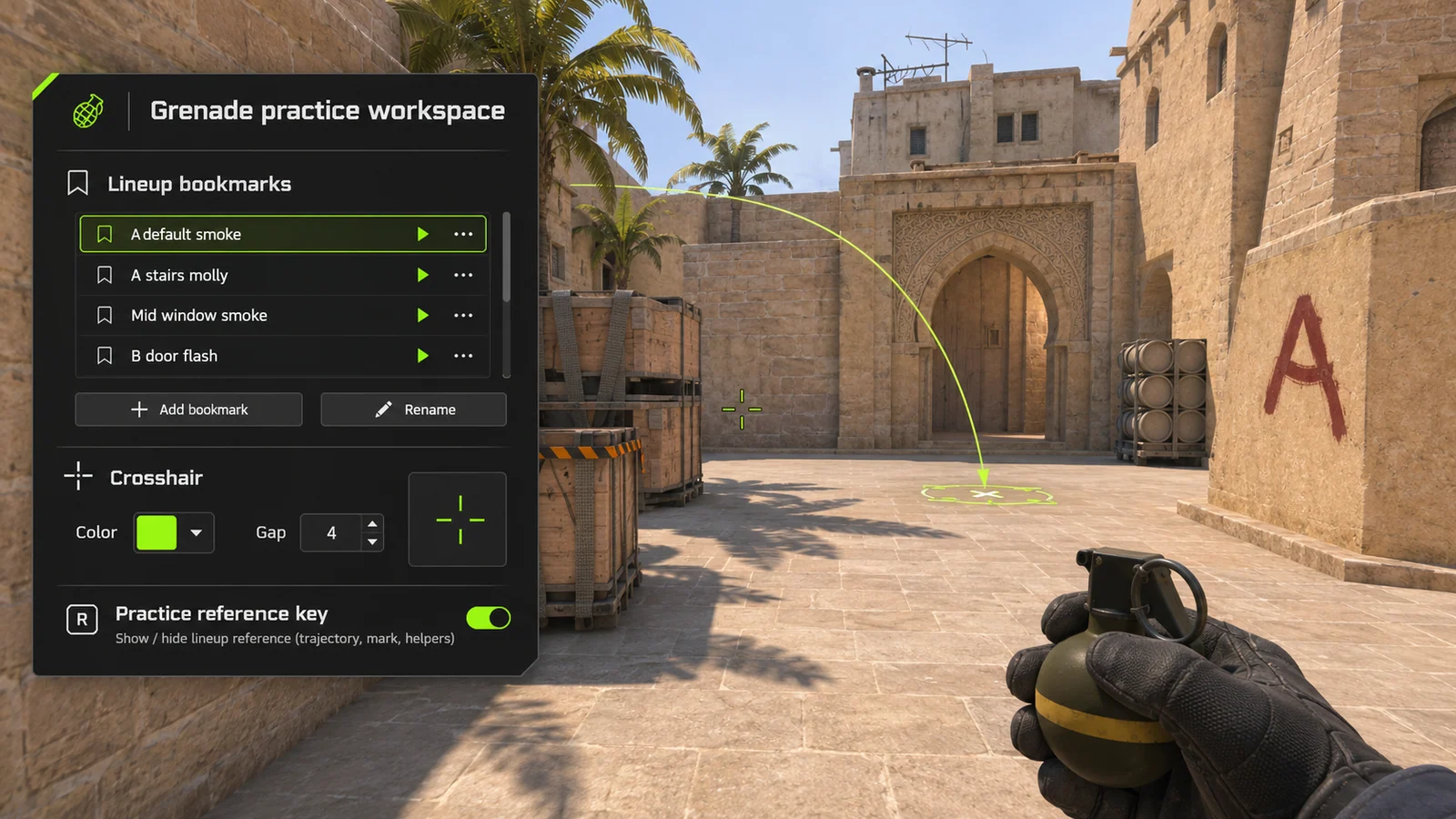
07Grenade lineup library
Preview map-specific smoke and flash references with saved positions and landing notes.
08Crosshair style presets
Explore crosshair color, outline, gap and size profiles that keep your preferred sight picture easy to restore between practice sessions.
09Practice configuration backup
Keep practice keybinds and visual settings together in a named configuration.
LOCAL SKIN CUSTOMIZATION
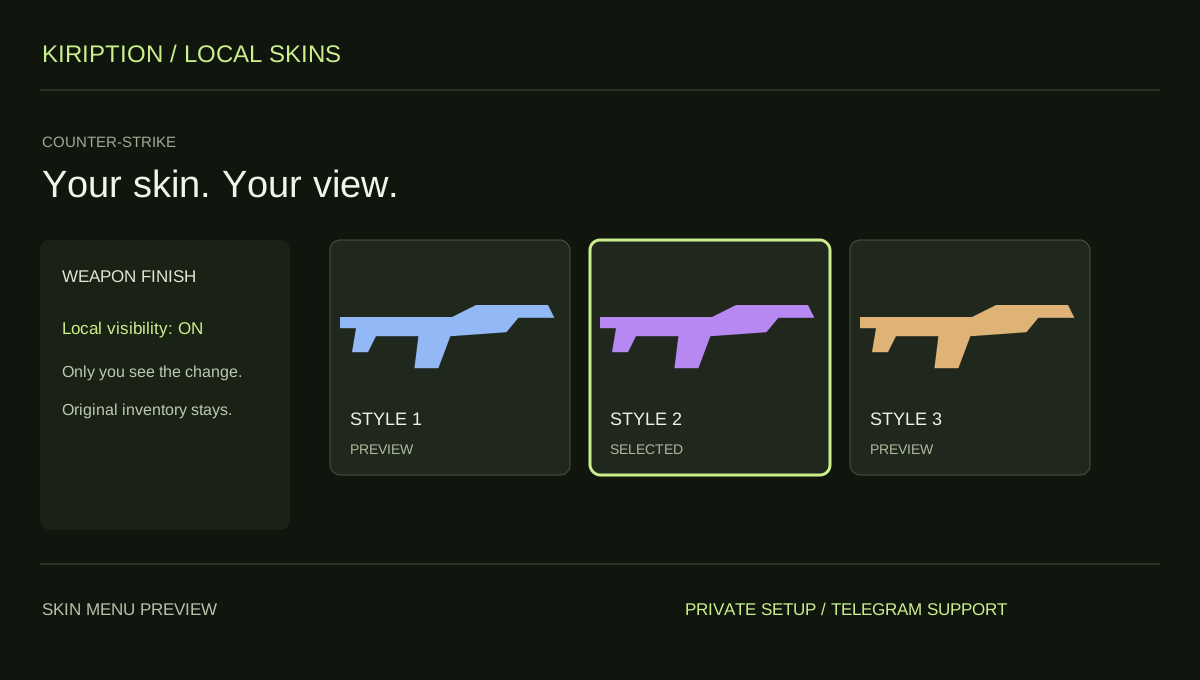
Your skin. Your view.
Choose the skin you want to see in Counter-Strike. The change is visible only to you. Other players keep seeing your original appearance.
This feature changes your local view. It does not grant ownership of an item or add anything to your tradable inventory. Check the supported skins and game edition with support.
INSIDE COUNTER-STRIKE
Counter-Strike.
Explore the menu settings.
Try the controls in your browser, then compare menu screens and game imagery. Ask support which settings are included in the supplied build.
- Aim assist & FOV control
- Per-weapon recoil profiles
- Player ESP & radar options
BEFORE YOU CHOOSE
Check your setup before paying.
- 01Your game version
- Tell support your Counter-Strike edition, current build and PC setup. Ask which configurations and functions are included before choosing access.
- 02Your access period
- Compare 30-day, 3-month and 12-month plans. Lifetime access and source-code packages have their own prices and license terms to confirm with support.
- 03Your payment record
- Keep the transaction hash, network, amount and receiving address from your wallet. Send your receipt to the Telegram bot for manual review and setup instructions.
PLANS & PAYMENT
Choose your Counter-Strike plan.
Compare access periods and full USD totals.
Then choose your payment asset and network.
Choose how to pay.
Your amount, network and receiving address, together.
Getting the current exchange rate…
$60.00 USD · Bitcoin networkEstimated conversion. Updates every 15 minutes. Network fees are extra.
QR contains the address only. SelectBitcoin networkin your wallet.
Paid here before? Use the address shown now. Do not reuse a previous address; refreshing this page changes it.
Plan total:$60.00 USD / 30 days. Network fees are separate.
Already paid? Have your TXID and receiving address ready.
GAME & SETUP QUESTIONS
CS2 & CS:GO: before you choose.
Is this for CS2 or legacy CS:GO?
Tell support whether you play Counter-Strike 2 or legacy CS:GO, your launcher and the current game build. Confirm the edition and included functions before choosing a plan.
How much do CS2 & CS:GO access plans cost?
The 30-day plan is $60.00 USD. The plans section also lists 3-month, 12-month, lifetime and source-code options with their full USD totals. Confirm availability and license terms with support.
How do I send my payment details?
Choose a plan and payment network, then use the receiving address shown in checkout. After paying, send the game, plan, amount, network, receiving address and TXID to @kiriptionbot for manual review.
What does the interactive menu preview do?
You can explore the settings and switch between profiles in your browser. The controls affect this preview only. Ask support to confirm the functions included in the supplied product.
Can I choose custom skins in CS2 & CS:GO?
Yes. The local skin feature lets you choose a skin for your own view. Only you see the change; other players do not see it. It does not add an owned or tradable item to your account. Ask support which skins and current game editions are supported.